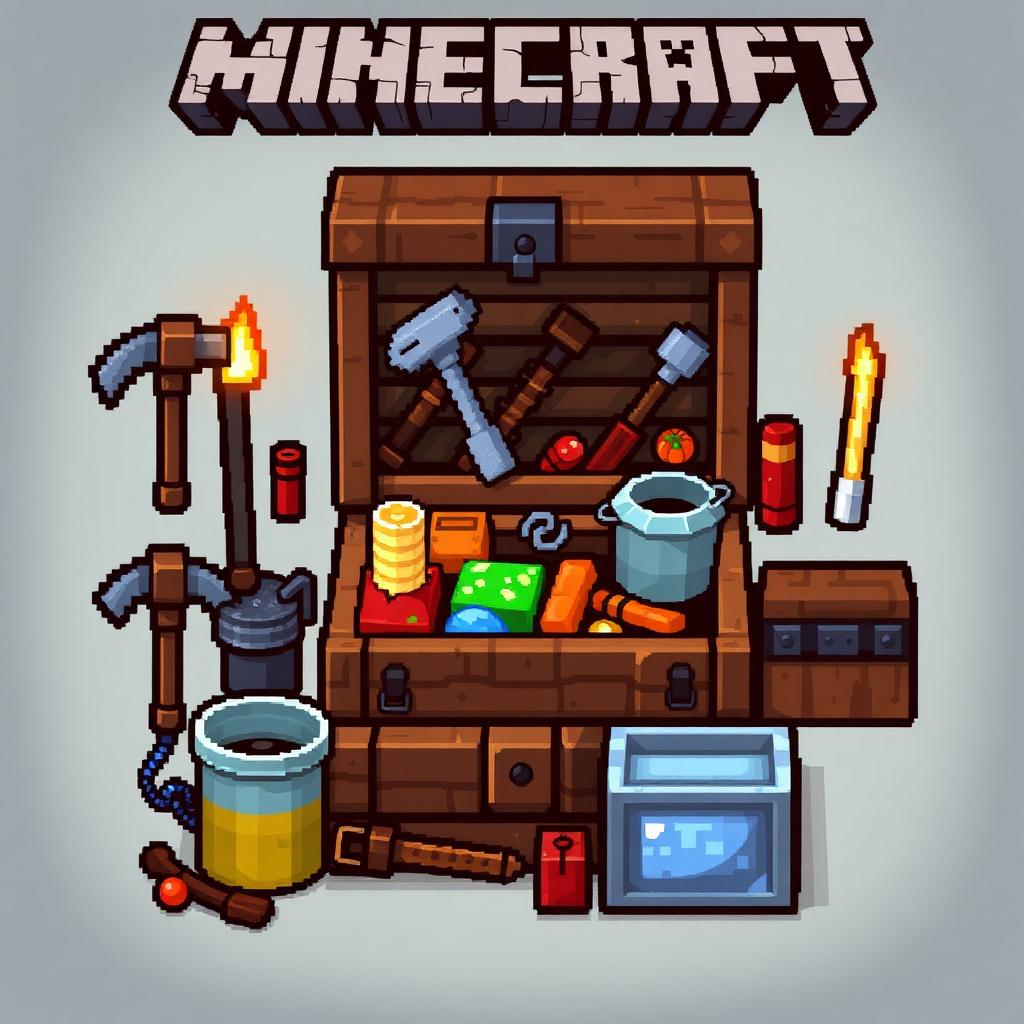
Mining Loadout with Ender Chest
Introduction
Introduction
A mining loadout with an ender chest gives you portable access to reserve equipment and secure storage. Add shulker boxes, and you can separate supplies from mined resources without filling your main inventory. The key is knowing which items are protected, which remain exposed when placed, and how to recover your chest without accidentally destroying it.

How It Works
An ender chest accesses 27 inventory slots belonging to your player. Every ender chest you open accesses that same inventory, including across dimensions. Other players opening the same chest see their own items, not yours. Adding more ender chests creates access points, not additional storage.
Shulker boxes each provide another 27 slots and retain their contents when broken. They can go inside an ender chest, but cannot go inside other shulker boxes. You must remove and place a shulker box to access its contents through normal survival inventory interaction.
Items already inside your ender chest survive your death. Your carried chest and anything outside its storage remain ordinary items: they can be dropped on death and lost. A placed shulker box is also not private storage, so avoid leaving one unattended on a multiplayer server.
What You Need
Craft an ender chest from eight obsidian surrounding one eye of ender. An eye of ender requires one ender pearl and one blaze powder. Two chests are convenient: one stays at your base and one travels with you. An existing chest elsewhere can also serve as your recovery access point.
Carry a Silk Touch pickaxe to retrieve the portable ender chest intact. Breaking it with a pickaxe without Silk Touch returns eight obsidian but loses the eye of ender. Keep a separate Fortune pickaxe for ores that benefit from Fortune; Silk Touch and Fortune cannot normally coexist on the same tool.
Each shulker box costs two shulker shells and one chest. Three boxes make a manageable starting kit: one for supplies, one for valuable resources, and one for bulk blocks. Shulker shells normally require reaching End cities, so this is generally a later-game upgrade rather than an early mining requirement.
Keep food, torches, building blocks, a weapon, appropriate armor, and your working pickaxes directly accessible. Bring a water bucket for Overworld mining, plus wood or logs for replacement handles and a crafting table. Carry a bed only for appropriate Overworld use. Rockets belong in the kit only if you already use elytra.
Step-by-Step Setup and Use
Step 1: Establish a recovery station at home. Place an ender chest near your usual respawn location, with room above its lid. Keep basic food and tools nearby in ordinary storage so you can recover even if your portable equipment is lost. For multiplayer worlds, protect this station using the server’s permitted claim or storage systems.
Step 2: Organize the portable inventory. Dye or rename your shulker boxes to distinguish supplies, valuables, and bulk blocks. Put a spare pickaxe, food, wood, torches, and optional rockets in the supply box. Reserve at least one empty ender chest slot so you can deposit something quickly without reorganizing everything underground.
Step 3: Keep critical equipment outside the chest. Your Silk Touch pickaxe, food, lights, and escape blocks should be available before you place anything. Do not store your only chest-retrieval tool inside a box you might forget to unpack. Check tool durability before leaving; Mending still requires collected experience and does not prevent a tool from breaking.
Step 4: Validate the workflow safely at your base. Deposit a low-value block, open another ender chest, and confirm it appears. Break the portable chest with Silk Touch and confirm that the chest item drops. Pack, place, open, and retrieve each shulker box. These basic mechanics work in modern Java and Bedrock, but server plugins may restrict placement, access, or storage.
Step 5: Make a protected unloading alcove before opening storage underground. Clear hostile mobs, light the area, block exposed approaches, and create a solid floor away from lava and drops. Leave open space above the ender chest and in front of the shulker box’s opening direction. Storage screens limit your awareness, so avoid sorting in an unsecured cavern.
Step 6: Deposit valuables regularly. Either mine suitable ores with Fortune immediately or collect ore blocks with Silk Touch for processing at home. Fortune does not multiply every mined block. Where recipes allow, compact raw iron, raw copper, or raw gold into storage blocks; nine matching raw items make one reversible block.
Step 7: Pack in the correct order. Close and break the shulker boxes, collect them, then put them back inside the ender chest. Finally retrieve the ender chest with Silk Touch. Check the floor for dropped items before leaving. If storage is full, return home rather than leaving valuable boxes behind as “overflow.”
Troubleshooting and Safer Alternatives
If the ender chest will not open, remove obstructing blocks above it. If a shulker box will not open, clear its lid’s movement space. If you accidentally break the chest without Silk Touch, its stored contents remain safe; access them through another ender chest or craft a replacement.
A bed is not a universal emergency escape. In the Overworld, using one can change your respawn point, but removing that bed leaves that point unavailable. Beds explode when used in the Nether or End. Do not rely on an ordinary water bucket for Nether lava protection either: placed water normally evaporates there.
Without shulker boxes, use the ender chest’s 27 slots directly for valuables and emergency supplies. If a server restricts ender chest use, shorten trips and use protected staging storage instead. No redstone, automation, or edition-specific exploit is needed for this loadout.
Please support us by visiting one of our partners: Amazon